Canva introduces new setting to disable generative AI tools
Users of the graphic design platform can now turn off specific AI features and prioritize human-created assets in their library.
By Amit Chukwu ·
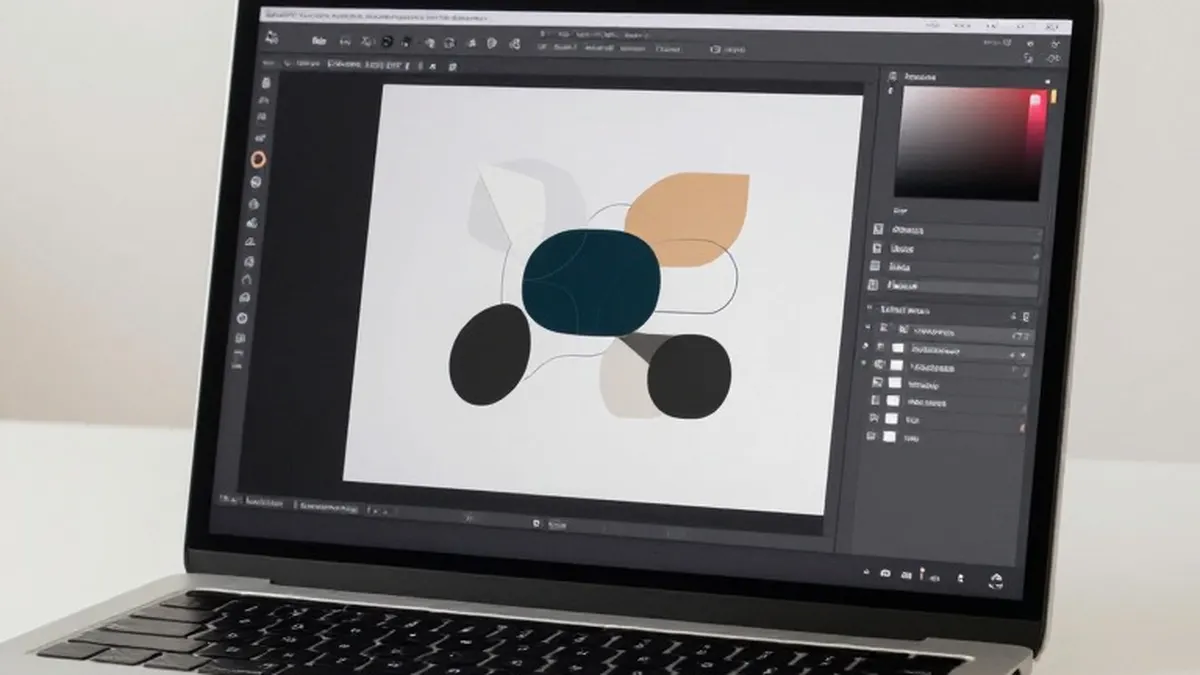
Graphic design platform Canva has introduced a new option that allows users to disable its generative artificial intelligence features. This update provides a direct control for those who prefer to limit their interaction with AI-driven tools within the application.
With this new toggle, users can turn off a wide range of AI capabilities. These include the Magic Expand feature, which extends photos, and the ability to generate images through the Canva chatbot. The change responds to long-standing requests from the user base for a way to manage these automated functions.
The platform also offers a separate setting to reduce the visibility of AI-generated content in its library. When this option is enabled, human-created templates, graphics, and other design elements appear first during searches. Canva states that a small portion of its library consists of AI-generated material. Any design that utilizes these specific elements will carry an AI label in its metadata.
It is important to note that the new toggle does not disable every AI-powered feature on the platform. Tools such as the background remover and Magic Grab remain active. Magic Grab allows users to select an object in an image and move it to a different location. Canva explains that these specific tools stay on because they make everyday tasks faster without generating entirely new content.
However, the main generative AI switch does turn off many other features. This includes Magic Write, Magic Design, Magic Layers, Magic Edit, Dream Lab, Canva Code, and AI Shapes. By disabling these, users can return to a more manual design workflow if desired.
The addition of these controls follows a period of rapid expansion in Canva's AI capabilities. Since the company began its significant push into AI in 2023, some users have expressed frustration with the constant influx of new automated features. Many had asked for ways to opt out of these tools.
Canva has continued to build out its AI-powered image-editing suite in recent months. The company rolled out a prompt-powered editing update in April of this year. Additionally, it launched its first in-house AI model, named Canva Craft, last month. These developments have further integrated AI into the core of the design experience.
To access the new settings, users should navigate to their profile and then to the settings menu. From there, they can select the permission tab and toggle off the option to enable generative AI features. This specific control is available to both free and paid users of the platform.
For those wishing to see less AI content, the process involves a slightly different path. Users need to go to their profile, select their account, and then choose the AI personalization option. Turning on the setting to show less AI content will adjust the search results in the library accordingly.
These updates aim to give users more agency over their creative process. By providing clear options to manage AI involvement, Canva hopes to accommodate diverse preferences among its global user base while continuing to innovate with new technology.
More News · National news · Report a business · Got a Story?